
Milesight WS101 SOS
Milesight Alarm Push Button Sensor | LoRaWAN | 1 x Push Button | Buzzer Support | NFC Configuration | 1650mAh Battery | 9 Years | IP30 | Wall Mounting
Description
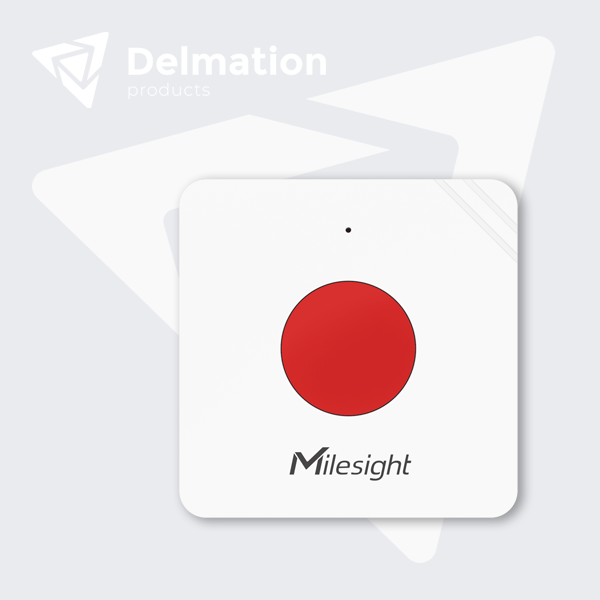
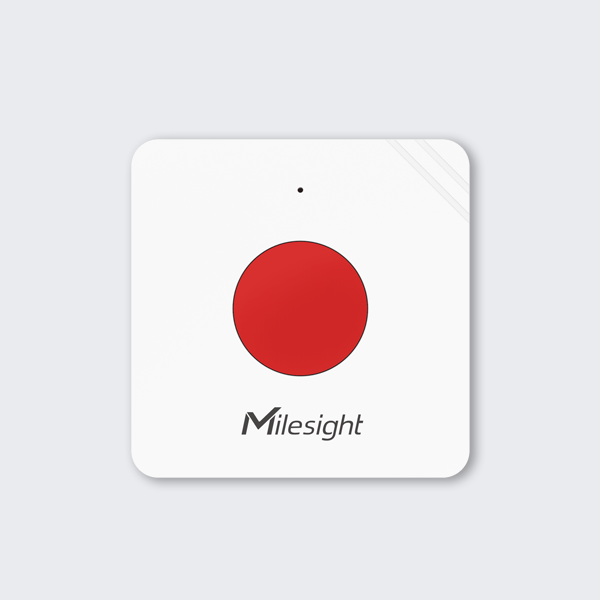
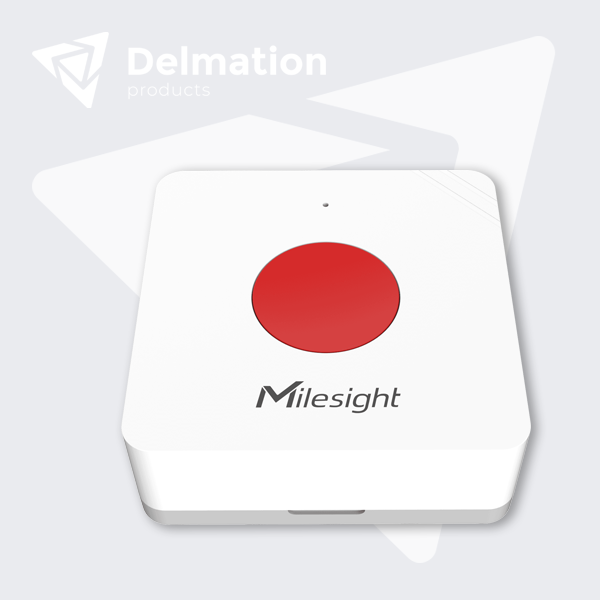
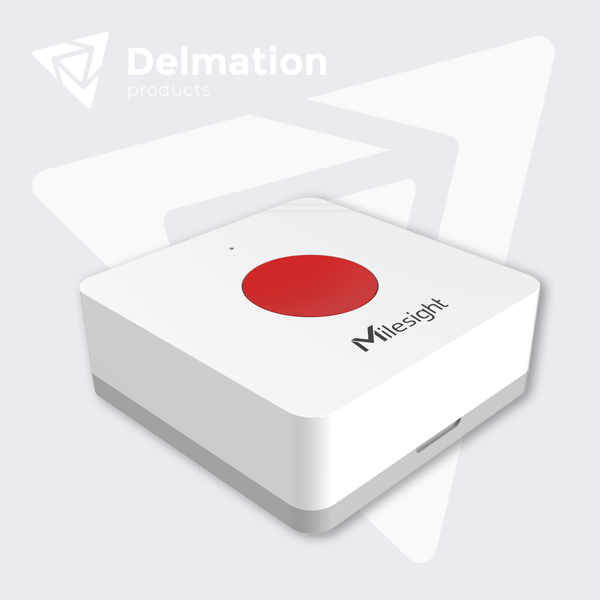
The WS101 from Milesight is a compact wireless smart button with LoRaWAN connectivity for remote controls, scene triggers and emergency alarms. The button supports multiple press actions (short press, long press, double press) that are defined by users to control devices or trigger automations. Milesight also offers a red SOS variant especially for emergency calls in care facilities, schools and public buildings.
Via LoRaWAN the WS101 communicates wirelessly; the button has a built-in LED indicator and buzzer for visual and audible feedback on press actions, and NFC for one-touch configuration. With one ER14335 battery the button works for up to 9 years under normal use.
How does the Milesight WS101 work in practice:
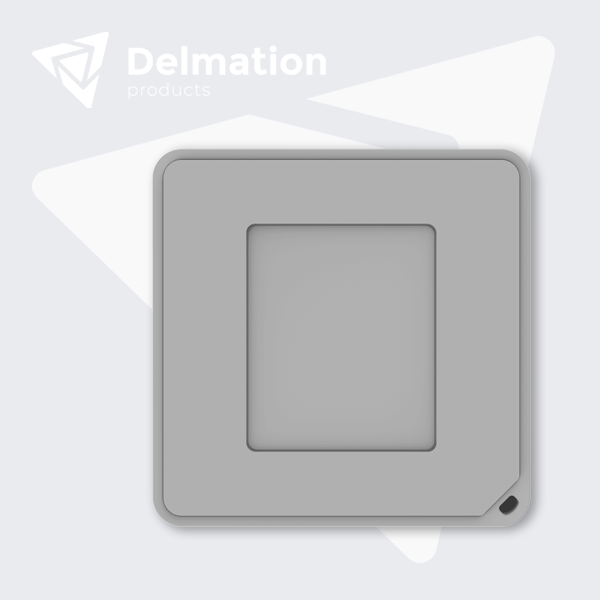
Buying the WS101? You will receive a wireless button for instant action triggers. Configure via NFC with the smartphone app which actions each press type triggers, mount with screws or 3M tape (or wear on a lanyard), and press the button to directly control devices or send alarms. The LED and buzzer confirm every action.
Care facilities and nursing homes use the red SOS variant for patient emergency calls. Patients wear the button on a lanyard around the neck or wrist, and in an emergency they press the button to instantly send an alarm via the LoRaWAN gateway to the central system. The buzzer confirms that the alarm has been sent, which provides reassurance. Staff see on tablets exactly which room and which patient triggered the alarm.
Schools and educational institutions place red SOS buttons in classrooms. In case of emergencies (medical emergency, threat) staff press the button, which sends an instant alarm via the LoRaWAN gateway to school management and security. The double press action sends an extra priority signal for multiple victims, and the button works for 9 years without battery maintenance.
Hotels and hospitality use white scene buttons in guest rooms for room automation and red SOS buttons for emergency calls. Guests use a short press by the bed to switch off all lighting (do not disturb scene), a long press for a wake-up scene (curtains open, lights on), and a double press calls room service.
Key benefits
Technical specifications
WS101-868M-SOS
Milesight
WS101-868M-SOS
LoRaWAN
868 MHz
A
V1.1
NFC (android app), ws101
1 x 1650 mAh ER14335
9 years
-30 to +60 °C
Wall mounting
IP30
50 x 50 x 18 mm
Smart Building / HVAC
Milesight